
Your photo workshop
Find everything you need to compress, resize, edit or convert your images in one place. Our tools help you improve quality, lighten your files and easily prepare your visual content for web, social media or your creative projects.
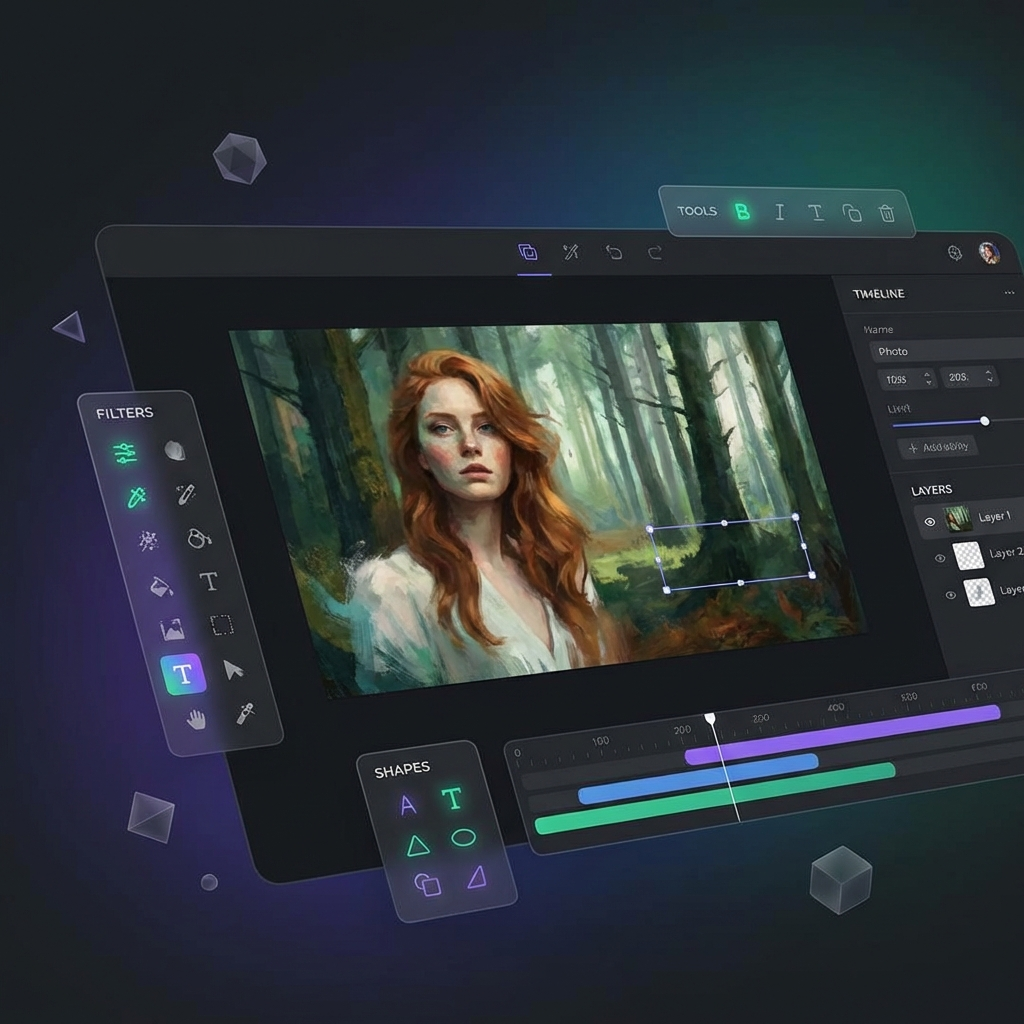
Studio Raiyoko.
The ultimate creative workshop for your photos. Bring your masterpieces to life with an exceptional editing engine, designed by Junnho. Professional tools and infinite possibilities.

Image Compressor
Reduce the size of your images without compromising their quality thanks to our intelligent compressor. Optimize your photos for web, social media and SEO while ensuring faster loading times and optimal user experience.
Features:
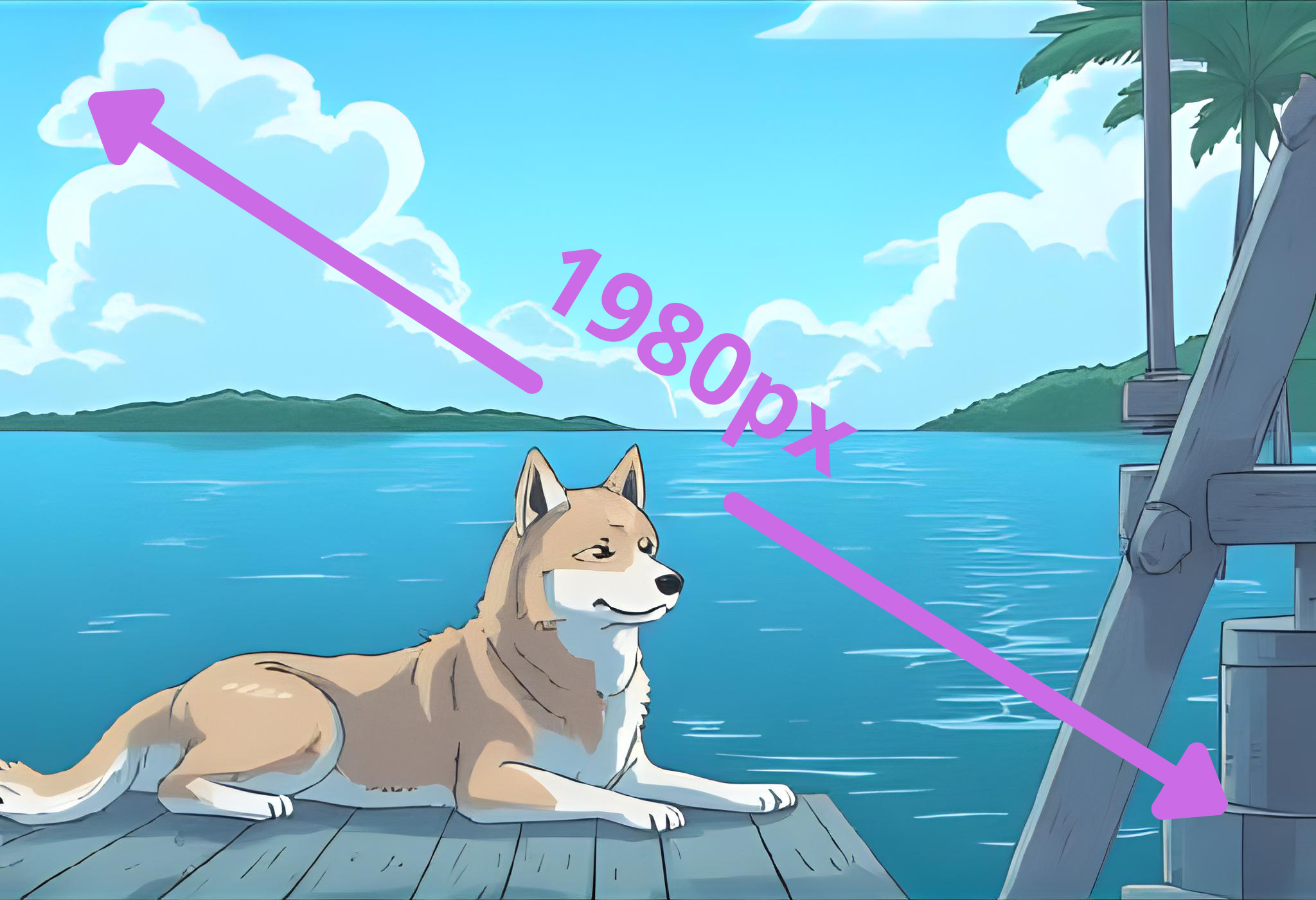
Image Resizer
Resize your images to any dimensions while maintaining quality. Perfect for social media, web optimization, and custom sizes.
Features:
Image Converter
Convert your images between different formats (JPEG, PNG, WebP, GIF, BMP, TIFF) online for free. You can also import AVIF files to convert them. Fast, easy, and supports all image formats. No software installation required.
Features:

How to get the most out of Raiyoko
Using online tools isn't just about compression. It's about efficiency. With Raiyoko by Junnho, every tool is designed to be simple, fast, and reliable. Free and professional, every tool works seamlessly, and transforms your workflow into a smooth, productive, and efficient experience.
Everything you need, in one place
Whether you need basic image compression or advanced file optimization, Raiyoko offers a diverse range adapted to all needs. You'll find for example our Image Compressor, a modern and intuitive tool, fully customizable, designed to optimize your images while maintaining quality. Among other flagship tools: Image Resizer for dimension management, and many other robust solutions designed to enhance your productivity.
Reliable. Stable. Optimized.
Every Raiyoko tool is carefully designed, thoroughly tested, and optimized to ensure stable performance, even with large files. Unlike poorly finished or unstable tools that risk creating errors or crashes, you benefit here from solid, durable tools designed to integrate easily into your workflow.
Upload. Process. Download.
Even if you're not a technical expert, using a Raiyoko tool remains simple and accessible. Every tool comes with clear instructions and intuitive interface. Result: you can optimize your files in just a few minutes, instead of losing hours on complex software.
Always up to date. Always ready.
The digital world is constantly evolving, and Raiyoko adapts continuously. Tools are regularly updated to stay compatible with the latest formats and enriched with new features, often inspired by user feedback. This dynamic ensures that your tools remain modern, stable, and relevant over time.
- 1Always backup your files before using compression tools.
- 2Check image quality settings to balance file size and visual quality.
- 3Use batch processing for multiple images to save time.
- 4Test compression settings on a few images first.
- 5Keep original files as backup before compression.
- 6Use appropriate formats: JPEG for photos, PNG for graphics.
- 7Monitor file sizes to ensure optimal compression.
- 8Join our community for tips and updates on new tools.